Skip to content

SRE School

  • About
  • Contact
  • Services
Home
Stories
  • Bridging Quantum Computing and Practical IT Operations: A Guide for Technologists and Organizations
    Uncategorized

    Bridging Quantum Computing and Practical IT Operations: A Guide for Technologists and Organizations

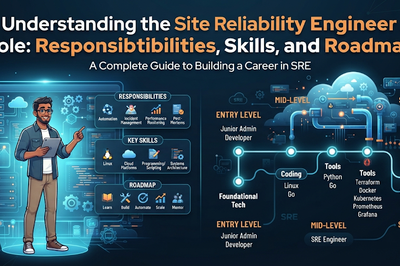
  • Understanding the Site Reliability Engineer Role: Responsibilities, Skills, and Roadmap
    Uncategorized

    Understanding the Site Reliability Engineer Role: Responsibilities, Skills, and Roadmap

  • Site Reliability Engineering in Practice: Building Reliable and Resilient Software Systems
    Uncategorized

    Site Reliability Engineering in Practice: Building Reliable and Resilient Software Systems

  • Street Beats, Big Talks, and Smooth Passes With MyEventsNow EU
    Uncategorized

    Street Beats, Big Talks, and Smooth Passes With MyEventsNow EU

  • Smart Teams Make Better Choices With SLO-Based Thinking
    Uncategorized

    Smart Teams Make Better Choices With SLO-Based Thinking

  • Bright City Gatherings and Fast Passes on MyEventsNow China
    Uncategorized

    Bright City Gatherings and Fast Passes on MyEventsNow China

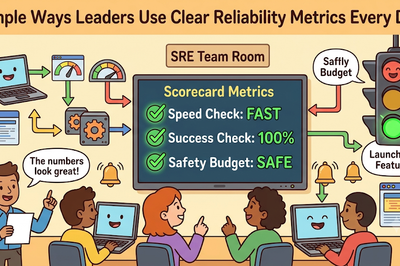
  • Simple Ways Leaders Use Clear Reliability Metrics Every Day
    Uncategorized

    Simple Ways Leaders Use Clear Reliability Metrics Every Day

  • sudo: /opt/lmapp/lampp: command not found
    Uncategorized

    sudo: /opt/lmapp/lampp: command not found

    Dharmendra Kumar, Senior Software Engineer & Co founder at MyhospitalNow

    November 30, 2023

    Solution: Step 1 – Configure Apt Repository Step 2- Install mysql Server sudo apt-get update sudo apt-get install mysql-server Step 3- Secure Mysql installation Install apache web server Install PHP DO below Things 1. Add Repostitory command

  • oauth-private.key does not exist or is not readable
    Uncategorized

    oauth-private.key does not exist or is not readable

    Dharmendra Kumar, Senior Software Engineer & Co founder at MyhospitalNow

    November 30, 2023

    Error: Solution: I think that this is due to Laravel Passport, you should try the following command: I found the solution Solution: In config/app.php I had to comment these lines: Than you need to migrate the whole database again, than uncomment this line: And run php artisan passport:install my application keys weren’t working so I…

  • Call to undefined method Laravel\Lumen\Routing\Router::dispatch()
    Uncategorized

    Call to undefined method Laravel\Lumen\Routing\Router::dispatch()

    Dharmendra Kumar, Senior Software Engineer & Co founder at MyhospitalNow

    November 30, 2023

    Error: The error traceable logs looked like this. I’m not sure if this is relevant, however even though my credentials were valid, I don’t believe that they were rejected. It worked when I tried it with oauth/token as well. The error persists. I possess. Solution: The request that is dispatched is without the credentials added…

  • How to fix Error: laravel.log could not be opened?
    Uncategorized

    How to fix Error: laravel.log could not be opened?

    Dharmendra Kumar, Senior Software Engineer & Co founder at MyhospitalNow

    November 30, 2023

    Depending on how your web server is setup, you may be able to be more specific with your permissions, and only grant them to your web server user. Google WEB SERVER NAME Laravel file permissions for more information. You need to adjust the permissions of storage and bootstrap/cache. Step 1: Step 2: Step 3: You…

  • Illuminate \ Contracts \ Container \ BindingResolutionException
    Uncategorized

    Illuminate \ Contracts \ Container \ BindingResolutionException

    Dharmendra Kumar, Senior Software Engineer & Co founder at MyhospitalNow

    November 30, 2023

    Error : Solution: Step 1: First remove nwidart/laravel-modules by running: composer remove nwidart/laravel-modules Step 2: Then remove config/modules.php by deleting it. Step 3: Reinstall nwidart/laravel-modules by running: composer require nwidart/laravel-modules Hope this helps (backup your project first):

  • production.ERROR: Illegal offset type {“exception”:”[object] (TypeError(code: 0): Illegal offset type
    Uncategorized

    production.ERROR: Illegal offset type {“exception”:”[object] (TypeError(code: 0): Illegal offset type

    Dharmendra Kumar, Senior Software Engineer & Co founder at MyhospitalNow

    November 30, 2023

    Error: Solution: Instead of giving your checkFile method a string or integer index, you are feeding it an array. Make one of the following adjustments to address this: Modify the checkfile such that it performs the checking using the array that was handed in. Alter the code that calls this function to pass the file…

  • GuzzleHttp\Exception\ClientException: Client error:
    Uncategorized

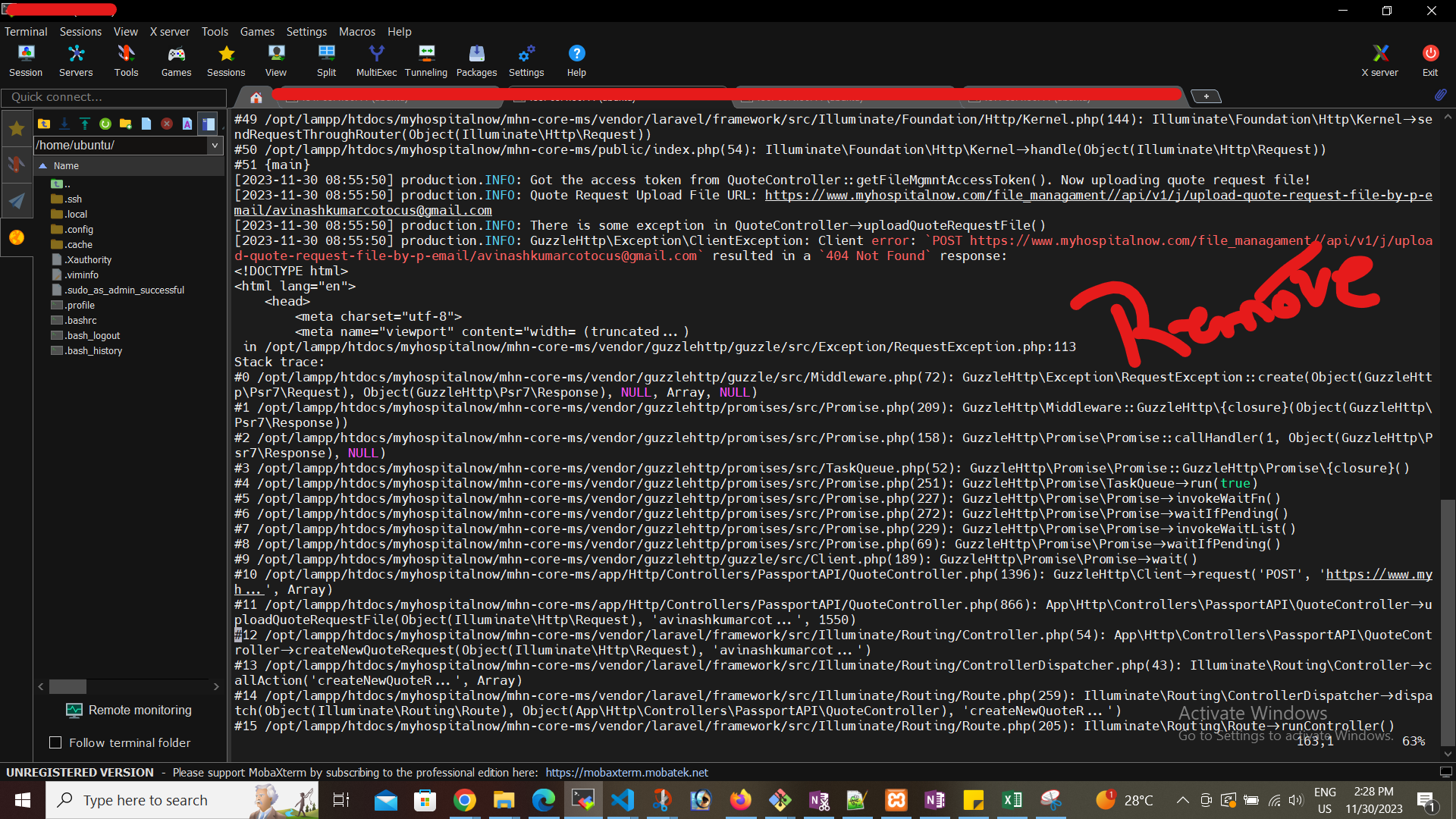
    GuzzleHttp\Exception\ClientException: Client error:

    Dharmendra Kumar, Senior Software Engineer & Co founder at MyhospitalNow

    November 30, 2023

    Error: Solution: Got to .env and removed / After that run this command

  • ERROR: Class “Illuminate\Http\Resources\Json\Resource” not found
    Uncategorized

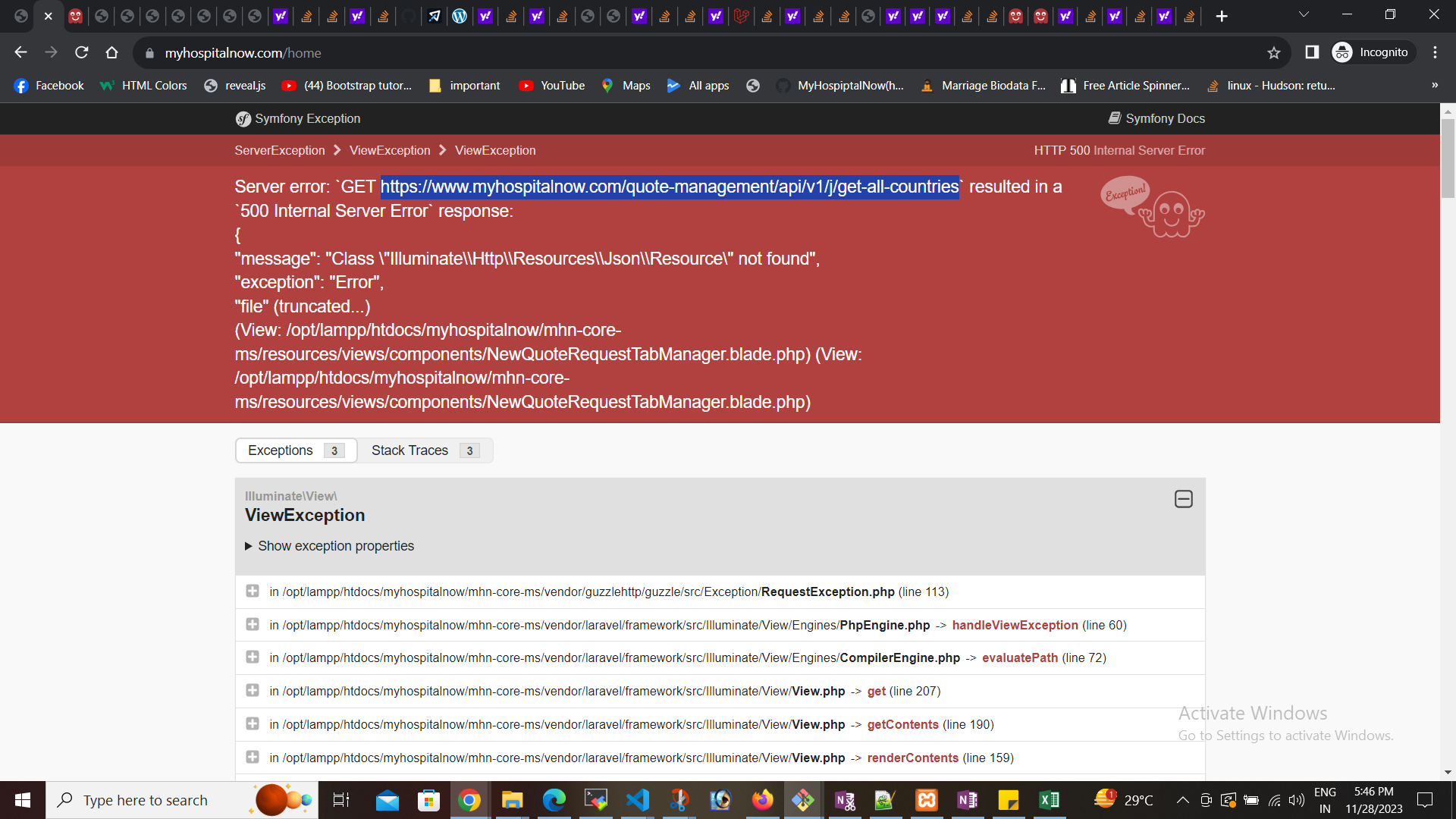
    ERROR: Class “Illuminate\Http\Resources\Json\Resource” not found

    Dharmendra Kumar, Senior Software Engineer & Co founder at MyhospitalNow

    November 30, 2023

    Error: Solution: Go to App\Http\Resources and change Replace thin code Afte that error is solved.

  • Unable to read key from file file:///opt/lampp/htdocs/myhospitalnow/mhn-hospital-ms/storage/oauth-private.key
    Uncategorized

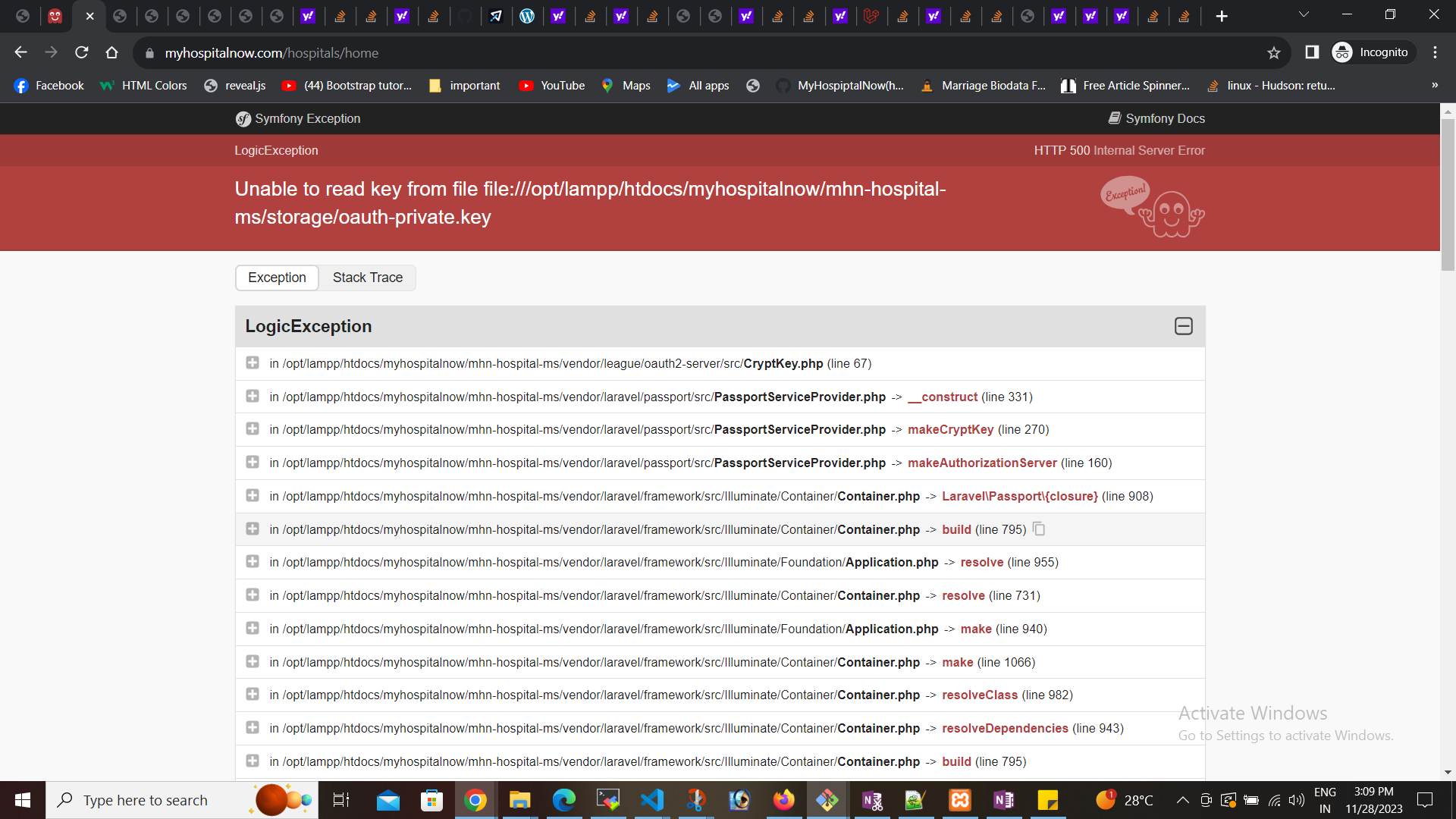
    Unable to read key from file file:///opt/lampp/htdocs/myhospitalnow/mhn-hospital-ms/storage/oauth-private.key

    Dharmendra Kumar, Senior Software Engineer & Co founder at MyhospitalNow

    November 30, 2023

    Error: Solution: Step 1: run this command Step 2: run this command Step 3: run this command

  • Missing required parameters for Route (Laravel 10)
    Uncategorized

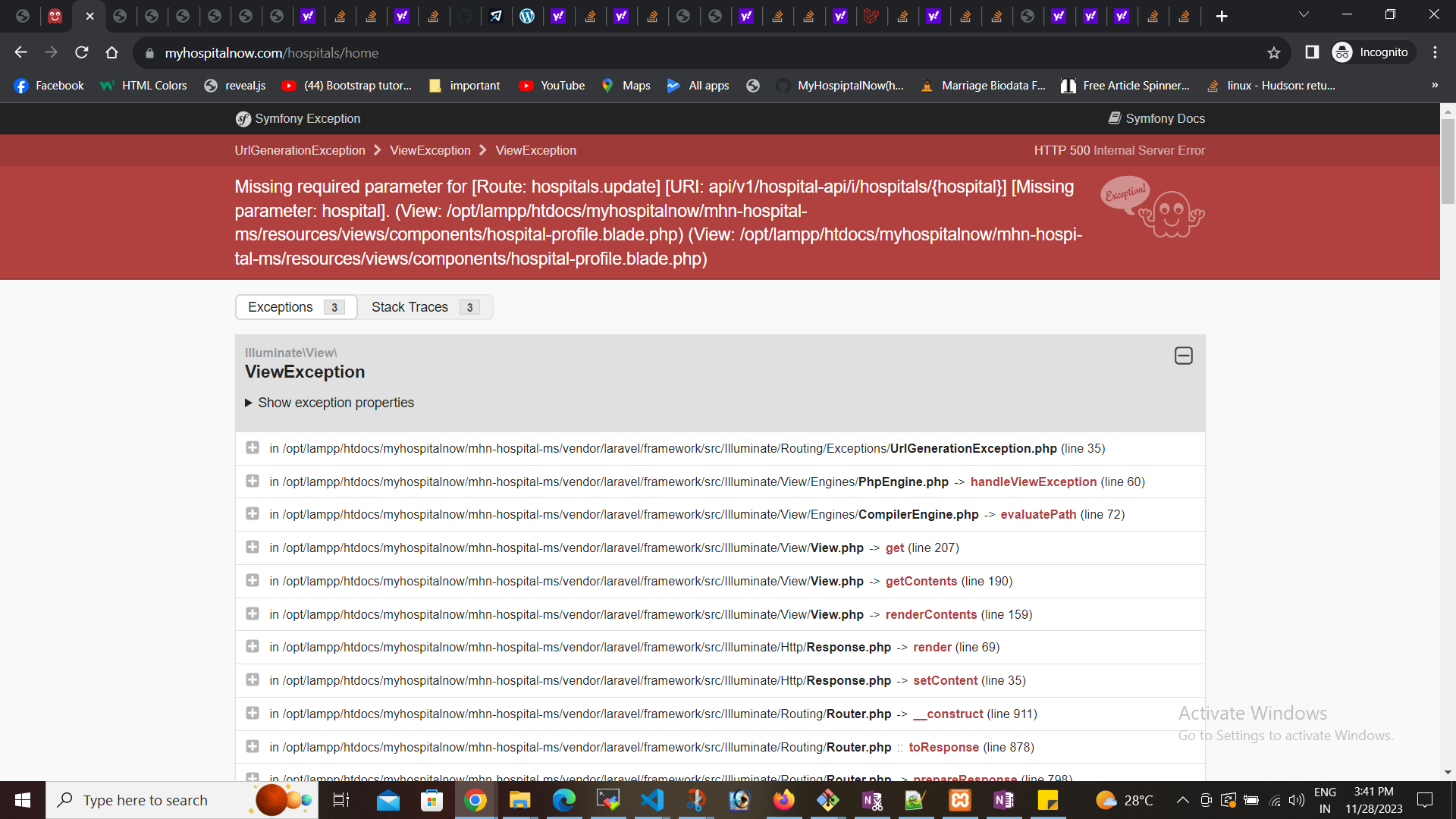
    Missing required parameters for Route (Laravel 10)

    Dharmendra Kumar, Senior Software Engineer & Co founder at MyhospitalNow

    November 30, 2023

    Error: Solution: Go to hospital-profile.blade.php and change the route to the URL

  • The GET method is not supported for route /. Supported methods: HEAD.
    Uncategorized

    The GET method is not supported for route /. Supported methods: HEAD.

    Dharmendra Kumar, Senior Software Engineer & Co founder at MyhospitalNow

    November 30, 2023

    Error: Solution: Solved my same problem just with the command: You can use the following commands- or

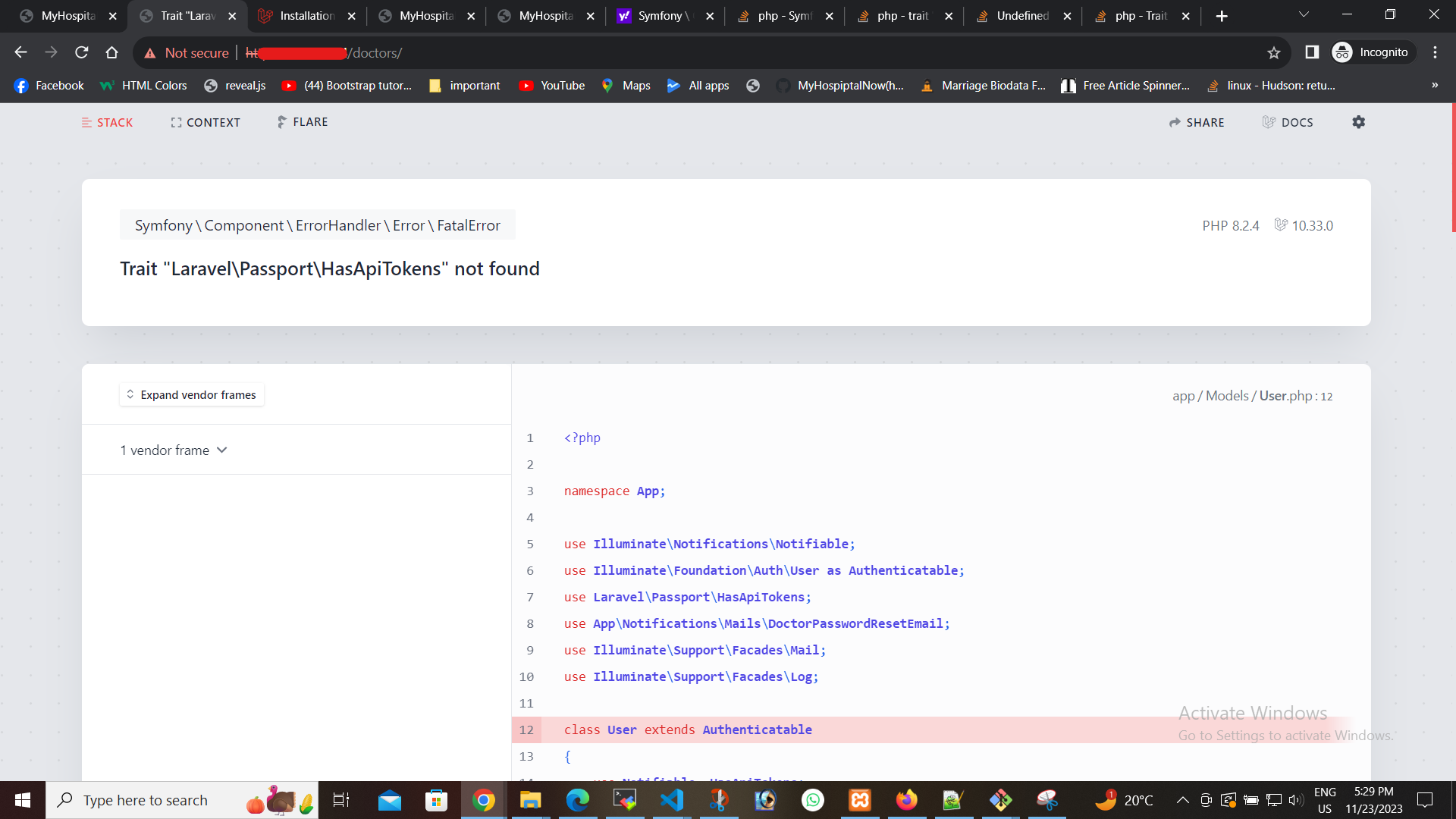
  • Trait “Laravel\Passport\HasApiTokens” not found
    Uncategorized

    Trait “Laravel\Passport\HasApiTokens” not found

    Dharmendra Kumar, Senior Software Engineer & Co founder at MyhospitalNow

    November 30, 2023

    Error: Solution: I have faced the same issue and it was resolved by doing the following: Do you have a composer? Install that first. Then you need Laravel Passport. Step 1: Step 2: Step 3: Step 4: Add add the Laravel\Passport\HasApiTokens trait to your App\User model.

  • Stuck in a git rebase … how to reset
    Uncategorized

    Stuck in a git rebase … how to reset

    Dharmendra Kumar, Senior Software Engineer & Co founder at MyhospitalNow

    November 27, 2023

    Error: rebase in progress; onto f39d81c0 You are currently rebasing branch ‘master’ on ‘f39d81c0’. (all conflicts fixed: run “git rebase –continue” ) nothing to commit, working tree clean Solution: Step 1: Step 2: Step 3:

  • SQLSTATE[42S22]: Column not found: 1054 Unknown column – Laravel
    Uncategorized

    SQLSTATE[42S22]: Column not found: 1054 Unknown column – Laravel

    Dharmendra Kumar, Senior Software Engineer & Co founder at MyhospitalNow

    November 27, 2023

    Error: Solution: Go to phpMyadmin and insert the column “provider” oauth_clients table the purpose of the provider column in oauth_clients table Problem is solved

  • laravel – The stream or file “/storage/logs/laravel.log” could not be opened in append mode: failed to open stream: Permission denied
    Uncategorized

    laravel – The stream or file “/storage/logs/laravel.log” could not be opened in append mode: failed to open stream: Permission denied

    Dharmendra Kumar, Senior Software Engineer & Co founder at MyhospitalNow

    November 24, 2023

    Error: Solution: What I have tried so far is to allow access to storage via: Step 1: Step 2: Go to your project and this command After that problem solved

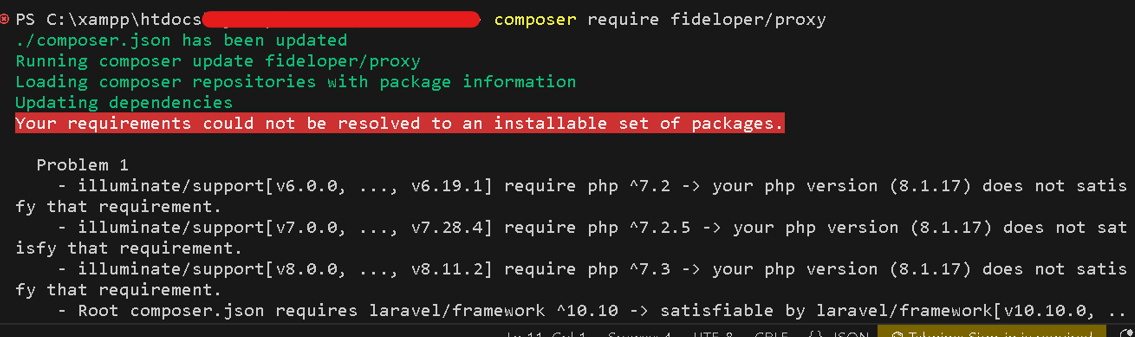
  • composer unable to install laravel/passport
    Uncategorized

    composer unable to install laravel/passport

    Dharmendra Kumar, Senior Software Engineer & Co founder at MyhospitalNow

    November 22, 2023

    Error: Solution: I am using PHP8.1 and face the same issue running the command and it’s worked for me. And then run composer update command. Problem has been resolved

  • ERROR: Target class [PassportAPI\ContactManagementController] does not exist. {“exception”:”[object]
    Uncategorized

    ERROR: Target class [PassportAPI\ContactManagementController] does not exist. {“exception”:”[object]

    Dharmendra Kumar, Senior Software Engineer & Co founder at MyhospitalNow

    November 18, 2023

    Error: Solution: Step 1: Namespace in Controller File: Make sure the directory structure in your ContactManagementController.php file corresponds to the namespace declaration at the beginning of the code. The appropriate namespace ought to be: Step 2: Composer Dump-Autoload: Run the following command again to make sure Composer’s autoloader is up to date: Step 3: Check…

  • No Application Encryption Key Has Been Specified.
    Application, Encryption, Key

    No Application Encryption Key Has Been Specified.

    Dharmendra Kumar, Senior Software Engineer & Co founder at MyhospitalNow

    November 18, 2023

    Error Solution: In my case, I also needed to reset the cached config files: And Problem has been resolved

  • How To Install and Use Composer on Ubuntu
    Uncategorized

    How To Install and Use Composer on Ubuntu

    Dharmendra Kumar, Senior Software Engineer & Co founder at MyhospitalNow

    November 15, 2023

    Introduction Composer is a widely used PHP dependency management solution designed primarily to make project dependency installation and updates easier. It will determine which additional packages are required for a given project and install them for you using the relevant versions based on the project specifications. Composer is also frequently used for bootstrapping new projects…

  • Updating Laravel TrustProxies Middleware after Framework Version Upgrade
    Uncategorized

    Updating Laravel TrustProxies Middleware after Framework Version Upgrade

    Dharmendra Kumar, Senior Software Engineer & Co founder at MyhospitalNow

    November 12, 2023

    It’s crucial to take care of modifications in middleware configurations when updating Laravel from version 5.7 to version 10 in order to guarantee your application runs well. the problem with the TrustProxies middleware and offer a fix to update the code so that it is compatible with Laravel 10. Changes in the framework may make…

Previous
1 … 36 37 38 39 40 … 42
Next

Follow Us

  • Twitter
  • Facebook
  • Instagram
  • YouTube
  • Dribbble
  • LinkedIn

Category Name

  • Bridging Quantum Computing and Practical IT Operations: A Guide for Technologists and Organizations

    Bridging Quantum Computing and Practical IT Operations: A Guide for Technologists and Organizations

  • Understanding the Site Reliability Engineer Role: Responsibilities, Skills, and Roadmap

  • Site Reliability Engineering in Practice: Building Reliable and Resilient Software Systems

  • Street Beats, Big Talks, and Smooth Passes With MyEventsNow EU

  • Smart Teams Make Better Choices With SLO-Based Thinking

Category Name

  • Bridging Quantum Computing and Practical IT Operations: A Guide for Technologists and Organizations

    Bridging Quantum Computing and Practical IT Operations: A Guide for Technologists and Organizations

  • Understanding the Site Reliability Engineer Role: Responsibilities, Skills, and Roadmap

    Understanding the Site Reliability Engineer Role: Responsibilities, Skills, and Roadmap

  • Site Reliability Engineering in Practice: Building Reliable and Resilient Software Systems

    Site Reliability Engineering in Practice: Building Reliable and Resilient Software Systems

  • Street Beats, Big Talks, and Smooth Passes With MyEventsNow EU

    Street Beats, Big Talks, and Smooth Passes With MyEventsNow EU

Category Name

  • Bridging Quantum Computing and Practical IT Operations: A Guide for Technologists and Organizations

  • Understanding the Site Reliability Engineer Role: Responsibilities, Skills, and Roadmap

  • Site Reliability Engineering in Practice: Building Reliable and Resilient Software Systems

  • Street Beats, Big Talks, and Smooth Passes With MyEventsNow EU

  • Smart Teams Make Better Choices With SLO-Based Thinking

    Smart Teams Make Better Choices With SLO-Based Thinking

Category Name

  • Bridging Quantum Computing and Practical IT Operations: A Guide for Technologists and Organizations

    Bridging Quantum Computing and Practical IT Operations: A Guide for Technologists and Organizations

  • Understanding the Site Reliability Engineer Role: Responsibilities, Skills, and Roadmap

    Understanding the Site Reliability Engineer Role: Responsibilities, Skills, and Roadmap

  • Site Reliability Engineering in Practice: Building Reliable and Resilient Software Systems

    Site Reliability Engineering in Practice: Building Reliable and Resilient Software Systems

    • About
    • Contact
    • Services

Website developed by CMSGalaxy – Website & WordPress Development Company

SEO, Digital Marketing & Influencer Platform by Wizbrand – SEO & Influencer Marketing Platform

Software Development, Agile & DevOps Services by Cotocus – Agile & DevOps Software Development Company

  • Twitter
  • Facebook
  • Instagram
  • YouTube
  • Dribbble
  • LinkedIn