Dharmendra Kumar, Senior Software Engineer & Co founder at MyhospitalNow
-
Larval Application Troubleshooting Advance Guide
1. Environment Configuration Issues 2. Database Connection Issues 3. Migration Problems 4. Routing Errors 5. View Loading Issues 6. Session and Cache Problems 7. Authentication Issues 8. Queue Job Issues 9. Email Sending Problems 10. Performance Issues 11. Error Handling 12. HTTPS/SSL Configuration 13. Deployment Issues 14. 404 Errors for Assets 15. Cross-Origin Resource Sharing…
-

50 technique Guides to Troubleshooting Xampp
1. Apache Won’t Start 2. MySQL Won’t Start 3. PHP Scripts Not Executing 4. Access Forbidden Error 403 5. Connection Error to MySQL 6. Sendmail Not Working 7. SSL Not Working 8. PHPMyAdmin Error #1045 9. File Upload Limit 10. Cannot Load XAMPP Page Over Network 11. Error Establishing a Database Connection in WordPress 12.…
-

Apache Troubleshooting Advance Guides
Although diagnosing and fixing Apache HTTP Server problems can occasionally be difficult, there are a number of sophisticated methods and resources available to assist in the process. Here are some sophisticated methods and instructions for troubleshooting the Apache HTTP Server: Apache Documentation: You may offer webpages and applications to your users with the help of…
-

MySql Troubleshooting Advance Guides
Finding and fixing issues with configuration, performance, database connectivity, query optimisation, and other areas can all be part of troubleshooting MySQL issues. This is a detailed tutorial to assist you in troubleshooting common MySQL issues: Check MySQL Service Status: Check to see if the MySQL service is available and operating: With the help of this…
-
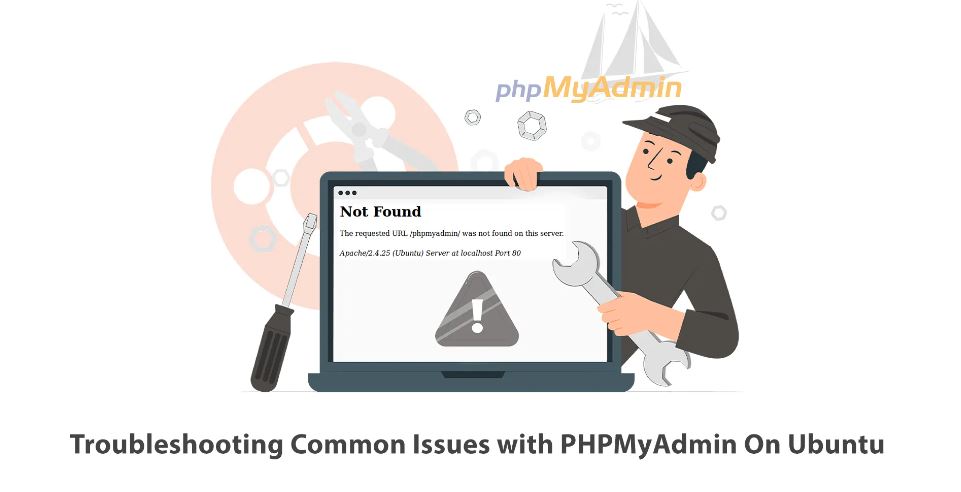
PHPMyAdmin Troubleshooting Advance Guides
Checking the PHPMyAdmin setup might occasionally fix problems with PHPMyAdmin. You can use the following command to verify the PHPMyAdmin configuration: This will display the PHPMyAdmin database configuration. You will be prompted for the MySQL root password as a result. After logging in, use the following command to view the MySQL configuration: You will be…
-

PHP Troubleshooting Advance Guides
It’s critical to address the problem methodically when debugging PHP difficulties. To assist you in troubleshooting common PHP bugs, here is an advanced guide: Look into the PHP error log for any warnings or error messages that might point to problems with your PHP code or server setup. To see errors and warnings, make sure…
-

Composer Troubleshooting Advance Guides
Problems with version conflicts, autoloading, installing dependencies, and other issues can all be identified and troubleshooted when working with Composer. This comprehensive guide will assist you in troubleshooting typical Composer issues: Prior to making any significant changes, always make a backup of your project, especially before editing composer.json or reinstalling dependencies. If these procedures don’t…
-

Git Troubleshooting Advanced Guide
Troubleshooting Git may be difficult and frequently entails identifying different problems with repositories, branches, remotes, conflicts, and other things. This comprehensive guide will assist you in troubleshooting typical Git issues: Make sure Git is the most recent version you are using. Use the following command to see your Git version: Verify your local and global…
-
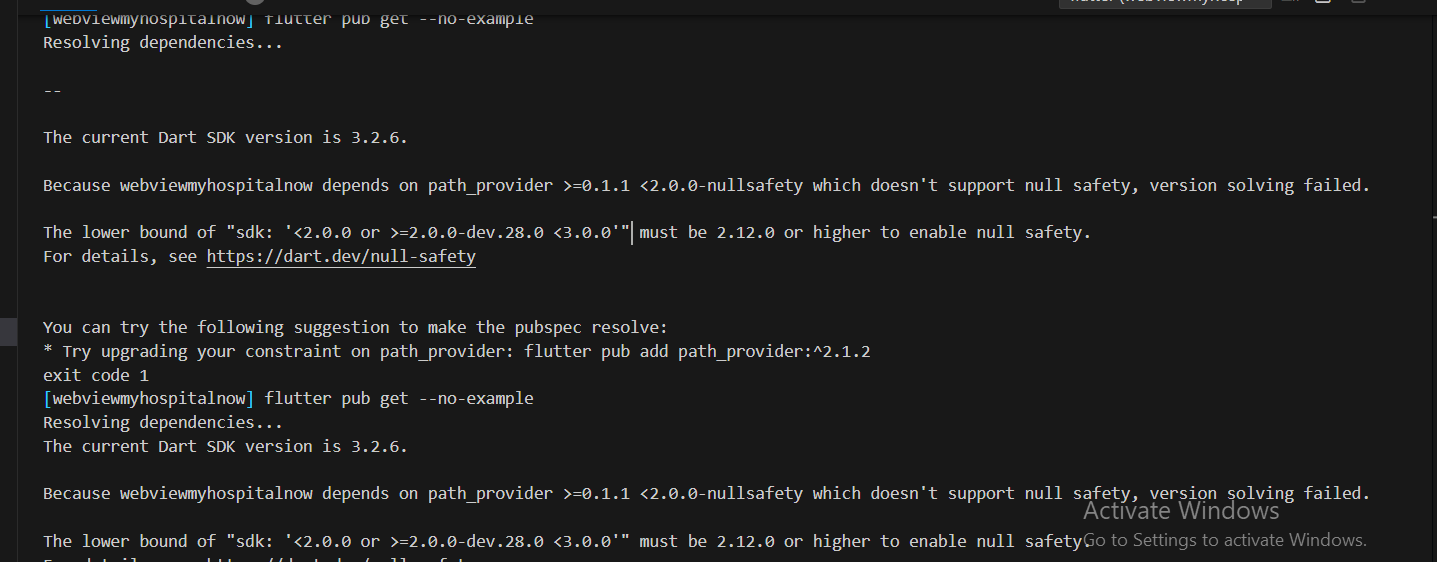
The lower bound of “sdk: ‘<2.0.0 or >=2.0.0-dev.28.0 <3.0.0′” must be 2.12.0 or higher to enable null safety.
Error: Sulotion: Your Dart SDK version is 3.2.6, which requires null safety, and the path_provider package version you’re using doesn’t support it, which is why you’re seeing this error message. You must update the path_provider package to a version that supports null safety in order to fix this problem. Version 2.0.8 of the path_provider package…
-

Flutter | Dart : Target of URI does not exist
Error: Solution: It is evident from the error message that the path_provider package cannot be located. This package offers ways to reach frequently visited filesystem locations. You must include the path_provider package in your pubspec.yaml file in order to fix this problem: After adding the package, run flutter pub get in your terminal to fetch the package.…
-
PlatformException(read_external_storage_denied, User did not allow reading external storage, null, null)
Error: Sulotion: The application is attempting to access external storage, but the required permission has not been granted by the user, as indicated by the error message “PlatformException(read_external_storage_denied, User did not allow reading external storage, null, null)”. The following actions will fix this problem: Before trying to access external storage, be sure you are asking…
-

Launching lib\main.dart on Android SDK built for x86 in debug mode
Error: Sulotion: The error notice says that your project is set up with an older version of the Android SDK, even though some of the Flutter plugins you are utilising require a higher version (SDK version 33). You must update the compileSdkVersion in your android/app/build.gradle file in order to fix this problem. What you can…
-
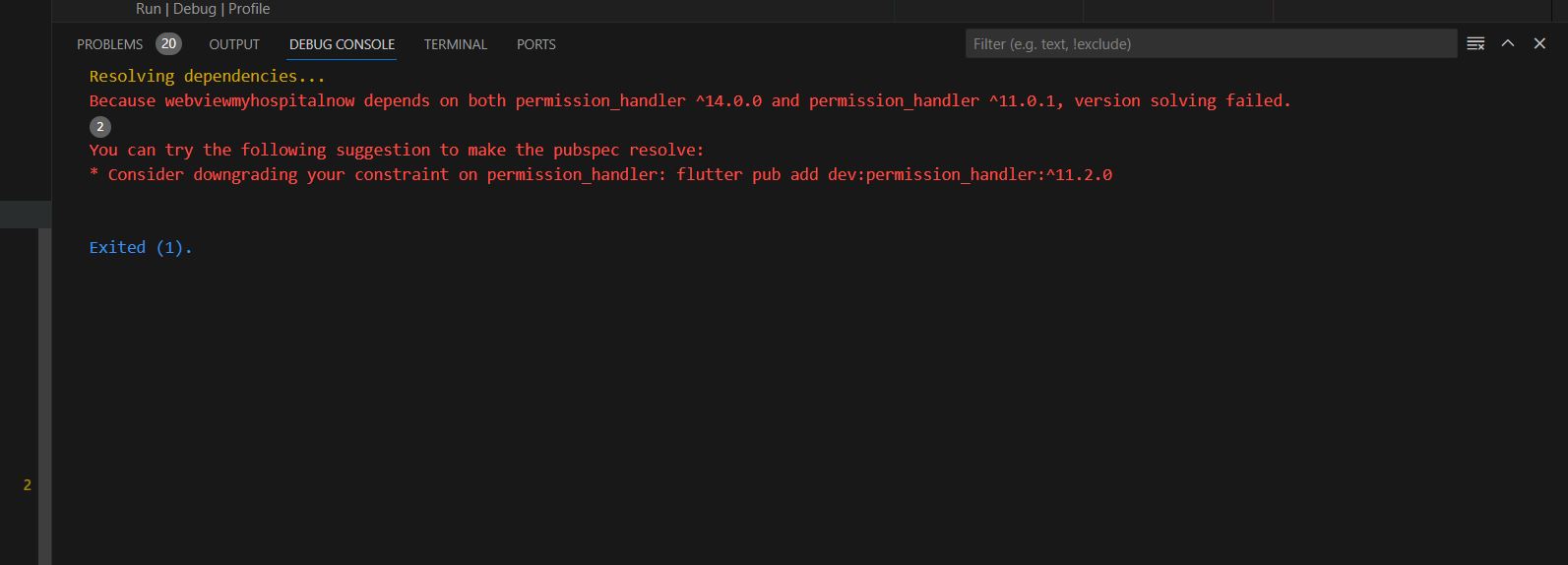
downgrading your constraint on permission_handler: flutter pub add dev:permission_handler:^11.2.0
Error: Sulotion: It seems that there is a suggestion to downgrade the permission_handler package to version 11.2.0. This suggestion might be due to compatibility issues or changes in the package that affect your current Flutter project. To downgrade the permission_handler package to version 11.2.0, you can modify the pubspec.yaml file in your Flutter project. Update…
-
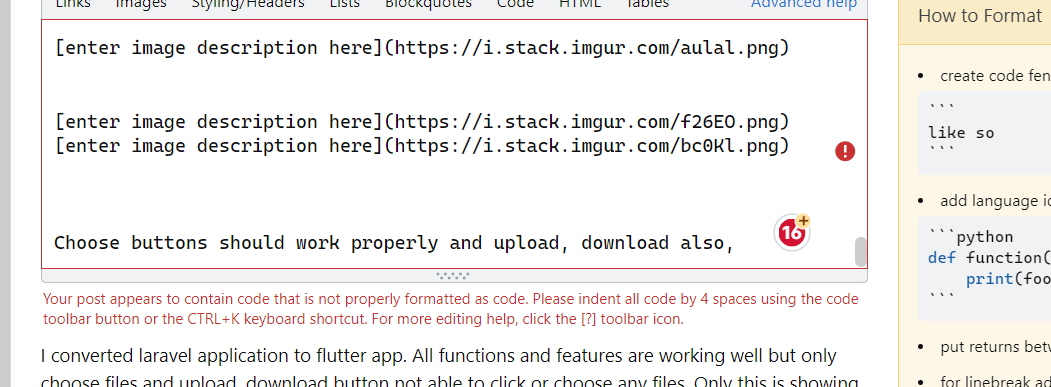
I can’t get code to post in a question – it “appears” there is unformatted code but there is not
Error: Sulotion : There’s only need to do is that block your codes order by order and press CTRL + K. Successful! them past inside.
-
Error with Permissions-Policy header: Unrecognized feature: ‘ch-ua-form-factor in flutter
This header is a component of the Permissions Policy, an online standard for managing how powerful features like camera access and geolocation are used by browsers. Here are some methods you can try to fix this issue: Update Server Response: Speak with the team in charge of the server or the server administrator, and request…
-
How to Enable File Upload in Android Webview App Webview Development Website to App Convert in dart
1. Add Dependencies: Make sure your pubspec.yaml file contains the required requirements. You can use the webview_flutter package to handle WebView: Run flutter pub get to fetch the dependencies. 2. Update AndroidManifest.xml: Make sure your AndroidManifest.xml includes the necessary permissions for internet access: 3. Enable File Upload in WebView: Set up the WebView in your…
-
How to filter profiles based on JSON-decoded data in Laravel
In Laravel, you may filter profiles using JSON-decoded data by doing the following steps: 1. Describe your model: If you don’t already have a model file, make one now, assuming you have a model called Profile: If you’re using an older version of Laravel, this will produce a file in the app/Models directory (or app…
-

How To Use Laravel Telescope For Debugging: A Step-By-Step Approach
With Laravel Telescope, developers can see right into the heart of your Laravel apps, making it a valuable tool. Debugging becomes more efficient as a result, and tracking queries, jobs, requests, and exceptions becomes simpler. This article will improve your debugging efficiency by going over its features and practical applications. How To Use Laravel Telescope…
-
Laravel implement monitoring tools and log aggregation systems.
For effective application management and troubleshooting, log aggregation systems and monitoring tools must be implemented. The general procedures and suggestions for configuring log aggregation and monitoring in a Laravel application are listed below: 1. Monitoring Tools: 2. Log Aggregation Systems: 3. Laravel Logging Configuration: 4. Custom Laravel Log Channels: 5. Log Level and Environment: 6.…
-
Laravel Application Troubleshooting Advance Guide
In a Laravel application, troubleshooting entails locating and fixing problems that might come up during development or deployment. An intermediate tutorial covering typical troubleshooting situations in a Laravel application may be found below: 1. Check Laravel Logs: 2. Debugging: 3. Database Issues: 4. Composer: 5. Caching: 6. Environment Configuration: 7. HTTP Requests: 8. Routing: 9.…

Follow Us
Recent Posts
- Operational Efficiency: Reimagining Marketing Workflows with Integrated Platforms

- Accelerating Enterprise Software Delivery Through Advanced Infrastructure Automation

- Establishing Global Systems Infrastructure Excellence Through Strategic Architecture and Leadership Mentorship

- Complete Beginner Guide to SRE Principles and Practices Explained
- Business Growth and Stability Through Site Reliability Engineering Practices
Categories
- access 1
- Administration 1
- AIOps 1
- Apache 2
- API 3
- App 7
- Application 1
- Bottom 1
- class 1
- CLI 1
- Client 1
- Commands 3
- Composer 1
- Container 1
- daemon 1
- Database 1
- DevOps 2
- DevSecOps 2
- Docker 3
- dropdown 1
- Encryption 1
- Error 1
- features 1
- Flutter 20
- Form 2
- Gateway 1
- Google 2
- google play console 2
- Google verification 1
- install 1
- Integrate 1
- Key 2
- lampp 1
- Laravel 19
- linux 5
- List 1
- MaterialApp 1
- Medical Tourism 1
- MLOps 2
- Motoshare 1
- MySQL 4
- NavigationBar 1
- Navigator 2
- package 1
- Payment 2
- Paypal 1
- Performance 1
- PHP 3
- phpmyadmin 7
- PID 1
- Ping 1
- Play Store 2
- PONG 1
- port 1
- ProFTPD 1
- Redis 1
- root 1
- running 1
- search 1
- Security 2
- server 3
- SRE 2
- subtype 1
- Troubleshooting 2
- ubuntu 1
- ui 1
- Uncategorized 583
- Unhandled 1
- Validation 2
- value 1
- WakilSahab.in 1
- widgets 2
- Windows 2
- XAMPP 5
- YouTube 1
Tags
#AssetManagement #BuildAutomation #CloudComputing #CloudEngineering #CloudNative #CloudSecurity #ContentManagement #DAM #DAMSoftware #DevOps #DevOpsCareer #DevOpsCertification #DevOpsSchool #DevOpsTraining #DevSecOps #DigitalAssetManagement #DigitalAssets #InfrastructureAutomation #PlatformEngineering #RajeshKumar #ReliabilityEngineering #SEO #SEOManagement #SiteReliabilityEngineering #SRE #Wizbrand Bike Laravel Launches Services